
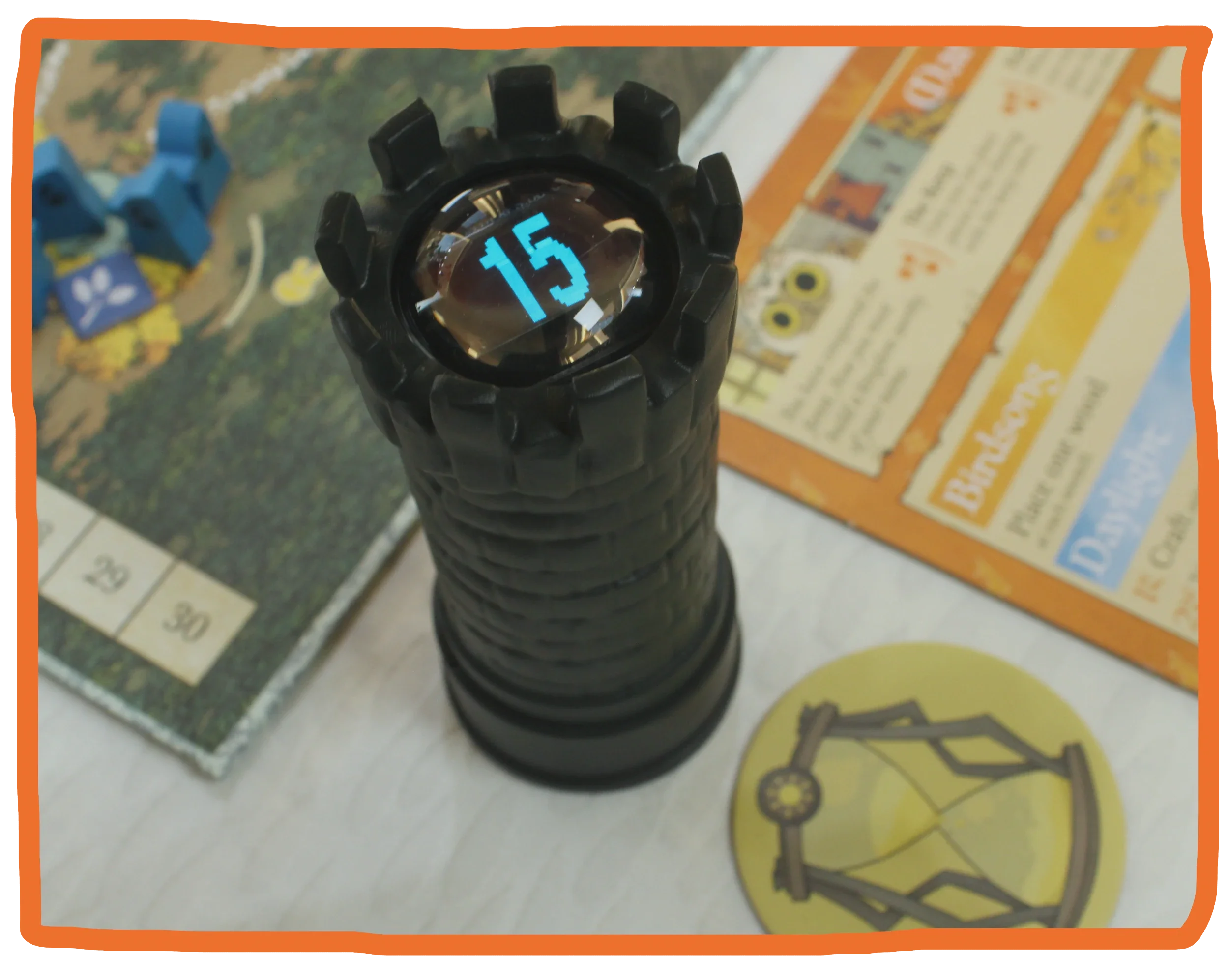
What is Timebox?
Timebox is a digital “smart” board game timer, and it is a lot more versatile than a regular chess timer. It is designed to work with any board game in your collection, at any player count. It is very quick to set up, and it can also be easily customized to any preferences you may have, for the specific game you are currently playing. You can set different times for different players. You can choose whether the timer resets each turn or keeps counting down throughout the entire game. You can also have a different timer setting for a communal phase of the game, such as an auction phase. It also supports more advanced timer types like Byo-Yomi and Canadian Overtime. Timebox automatically knows whose turn it is as you pass it around the table during the game, and you can very easily pause the timer when you need to. It also gives visual and audible feedback to let you know how much time you’ve got left on your turn.
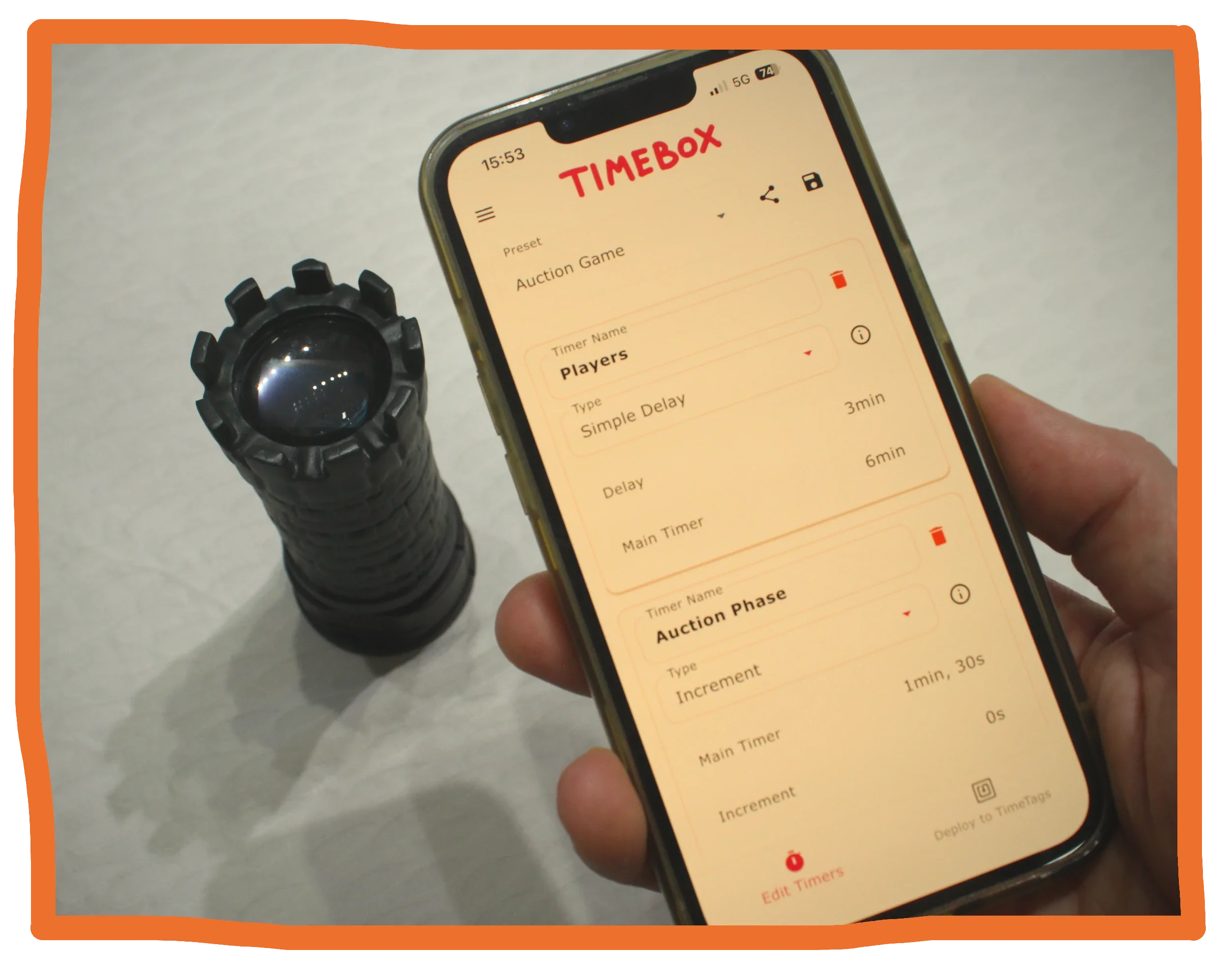
How do you set up Timebox?
There are several ways to initially set up Timebox. The most versatile way is through the Timebox app, which works with both iPhones and Android phones. Through the app you can define as many different individual timer settings as you want for any particular game. Most often, you only need to define one simple timer that applies to all players. Perhaps the game has a communal auction phase where you want to give all players a bit more time than on a regular player turn. However simple or advanced you want to set things up, the Timebox app can easily handle it. You can save and load different presets, so you don’t need to set this up manually each time you want to play a particular game.
If you don’t want to use the app, you can also set Timebox up using special preset tags. That way, the Timebox still works just the way you want it to, even if you don’t have access to the Timebox app.
If you don’t feel like customizing any settings at all, your previous settings will always be remembered. So you can just whip out the Timebox when you arrive at the next game night, and everything will be ready to go, just like the last time you used your Timebox, days or months ago.
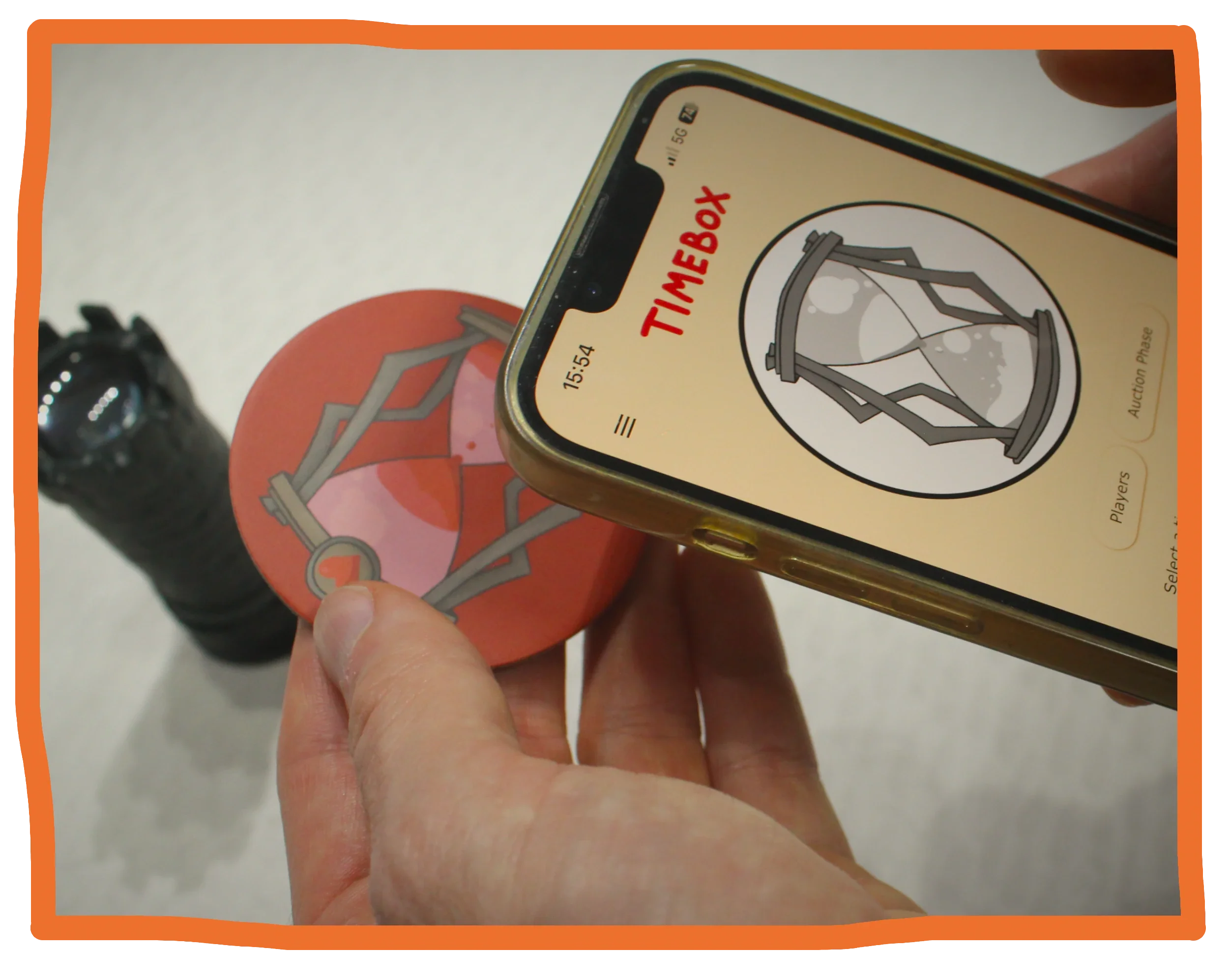
The magic happens with the TimeTags. When you are done customizing your settings, you scan the TimeTags with your phone (or with the Timebox itself, if you didn’t use the app). This writes the settings you made to each individual TimeTag. If you’d like, you can have different settings for every individual TimeTag.
After you’re done, simply hand one TimeTag to each player, preferably in their matching player color!
How do you use Timebox?
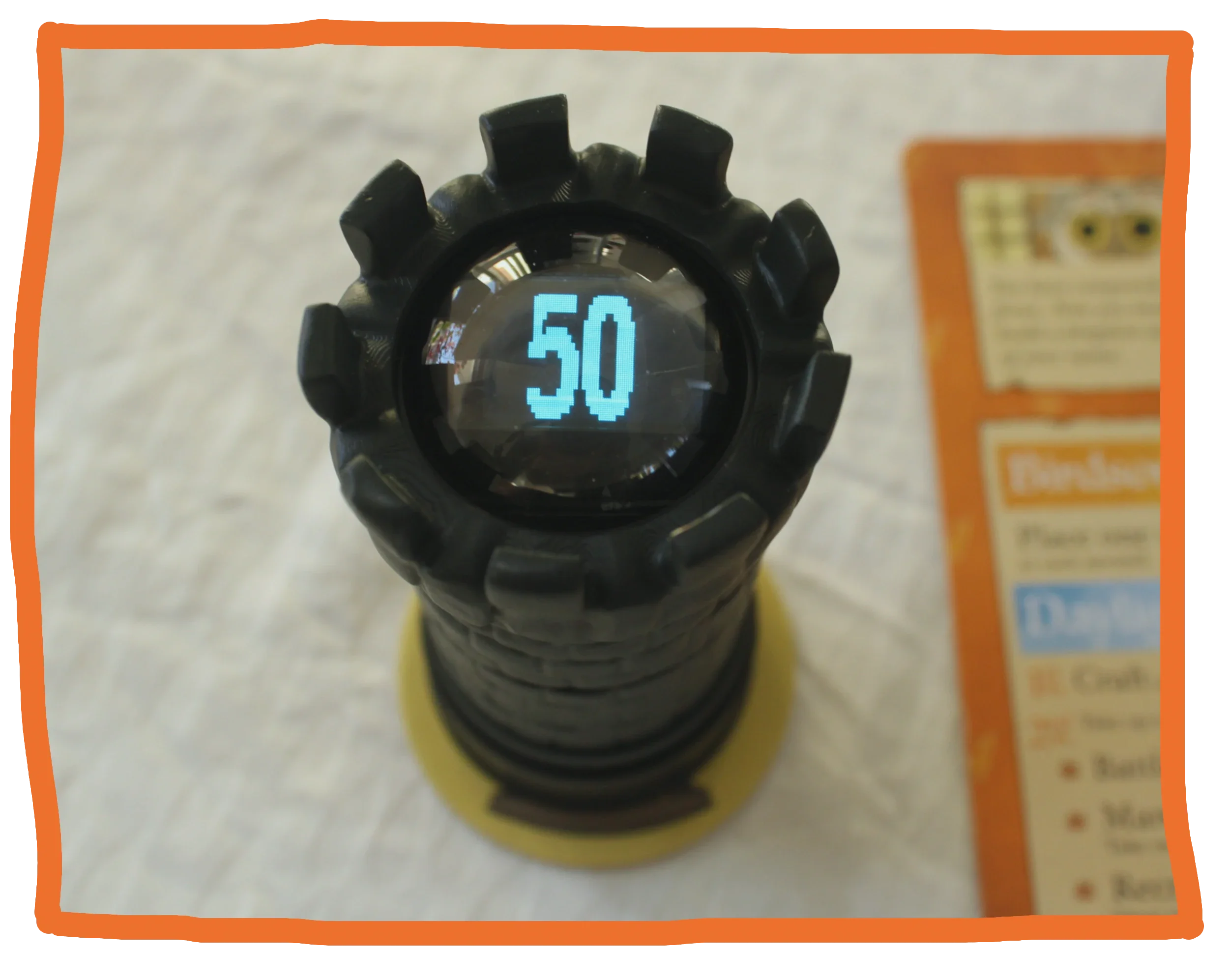
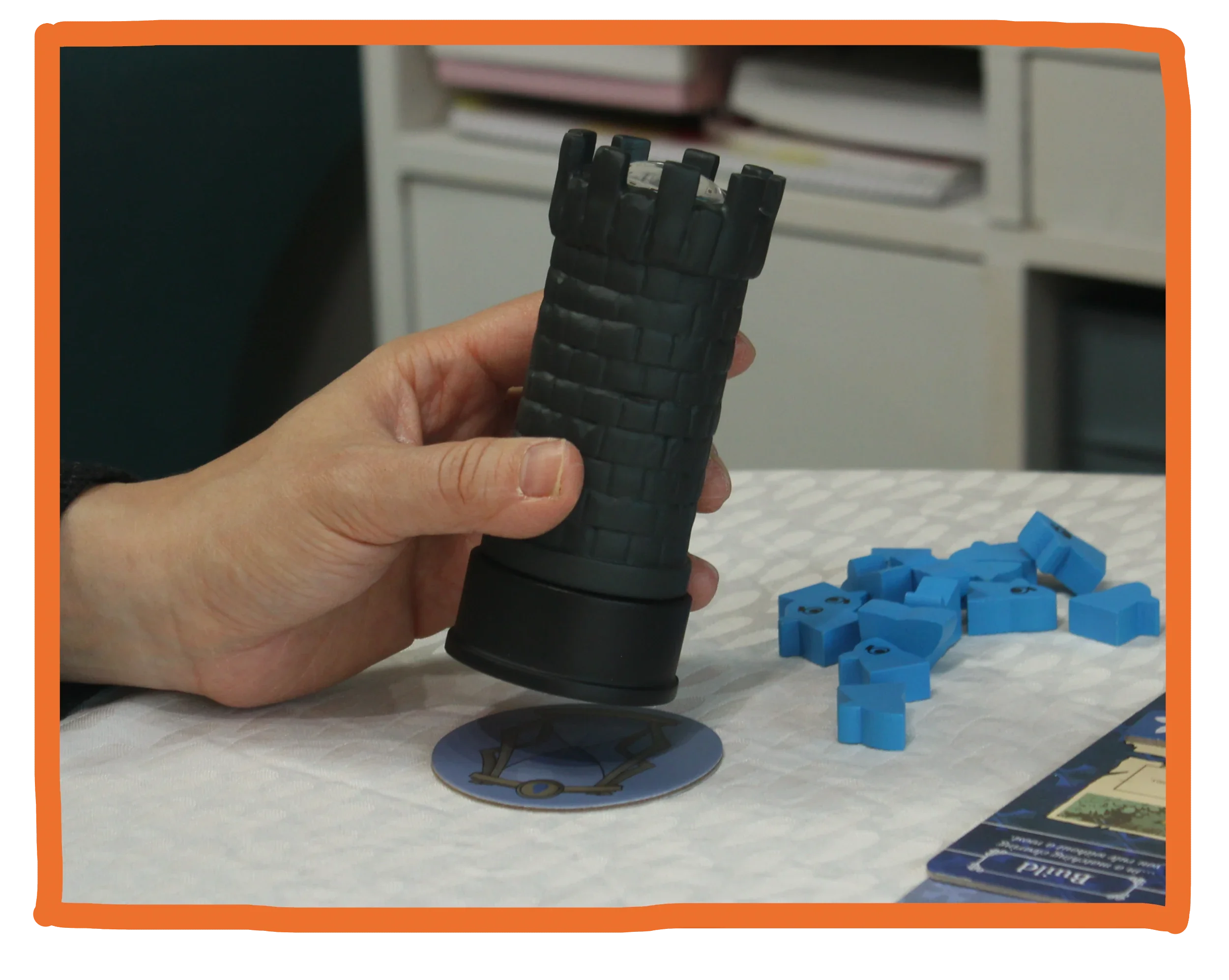
On your turn, Timebox is placed on top of your personal TimeTag. As soon as you place Timebox down, your timer starts counting down. Depending on the settings of your TimeTag, this will either be a completely reset timer, or a timer that continues from where it left off when your last turn ended. (Perhaps even a combination of the two!)
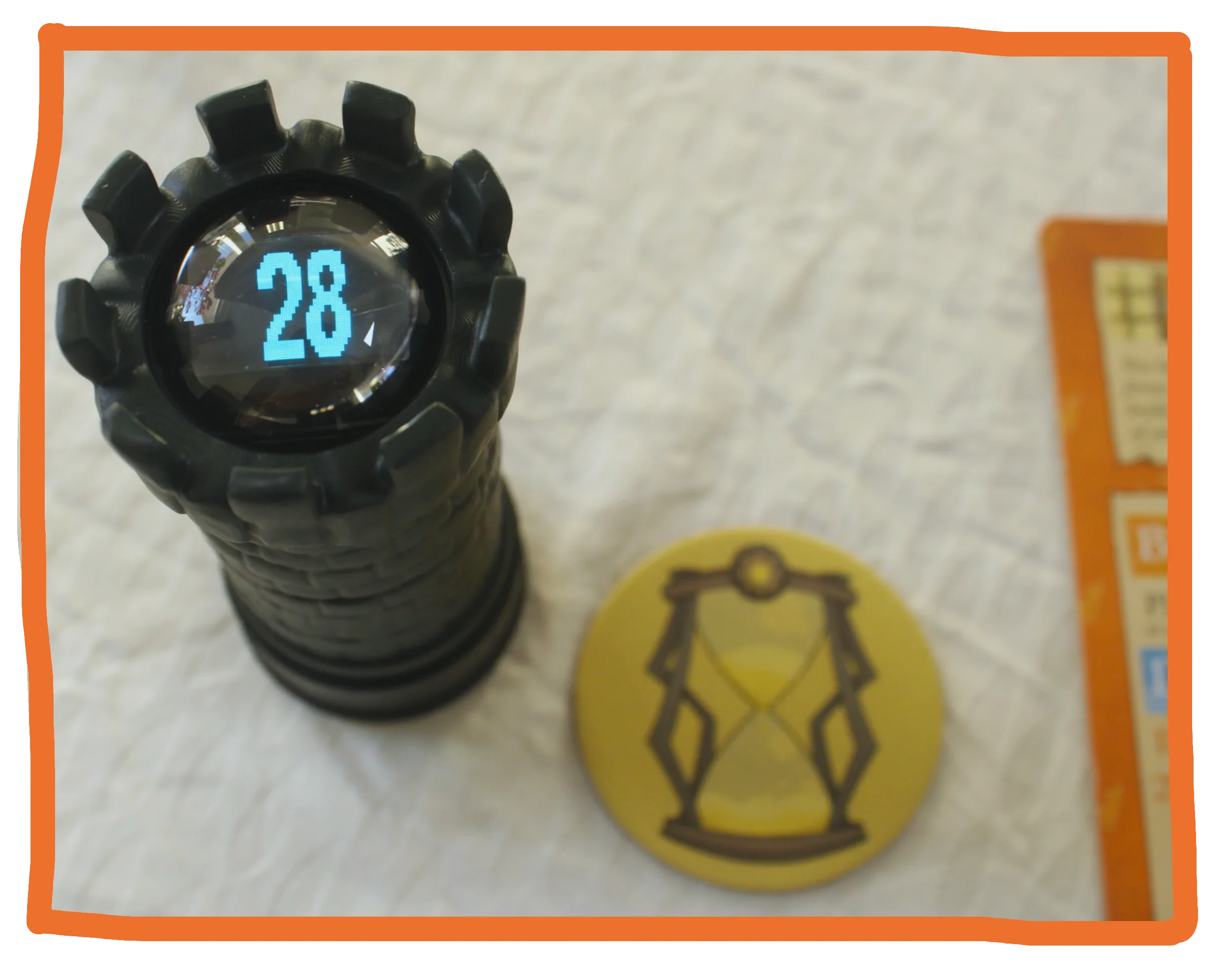
If you need to take a break for a rules question or something, you simply move Timebox away from the TimeTag, and the timer will immediately pause.
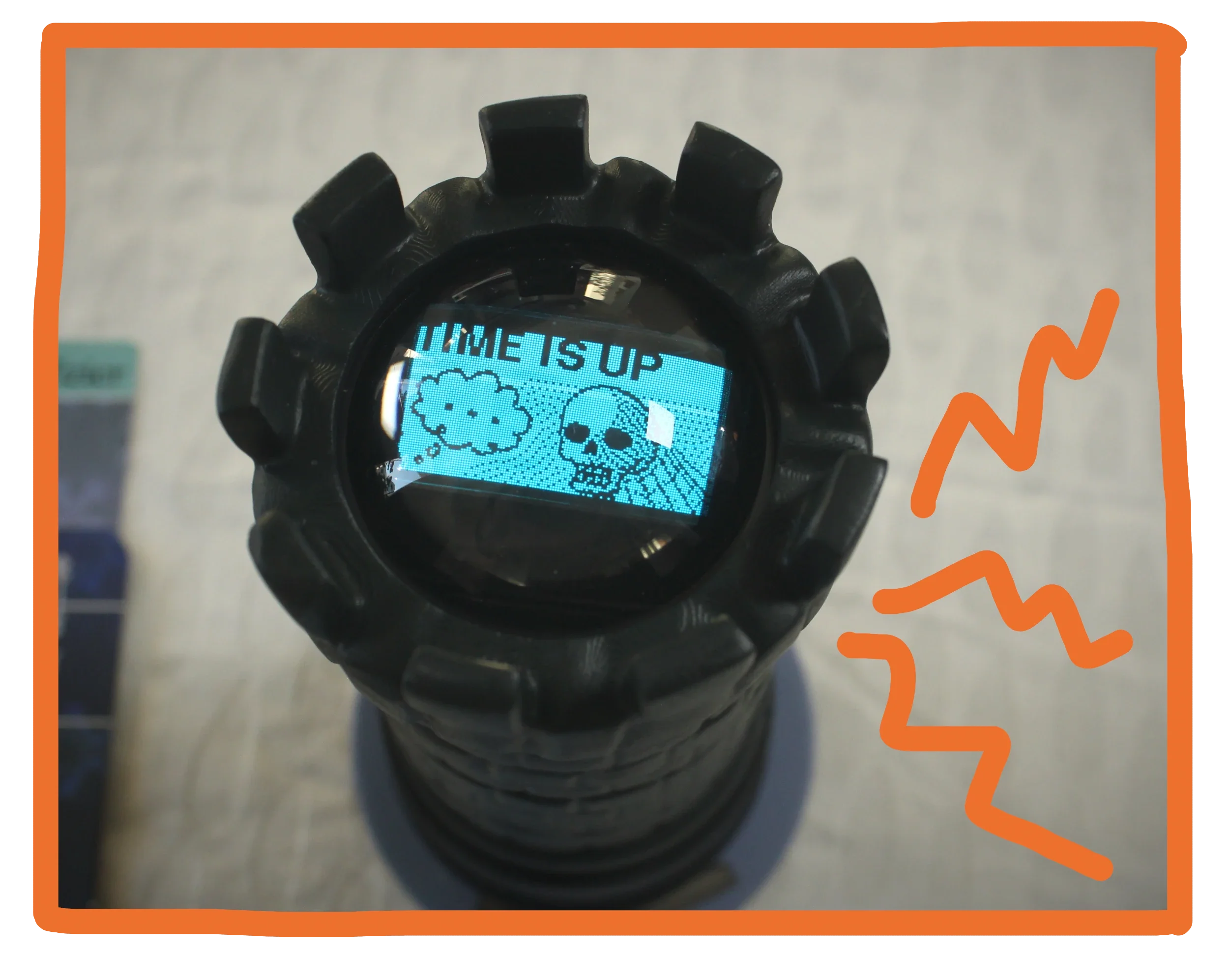
When you only have a few seconds remaining, Timebox will give you an audible cue that intensifies until the time runs out!
After your turn is done, you pass Timebox to the next player in turn order, who places Timebox on their TimeTag.
Since the timer state is tied to the active TimeTag, everything works seamlessly even if the turn order changes mid-game.
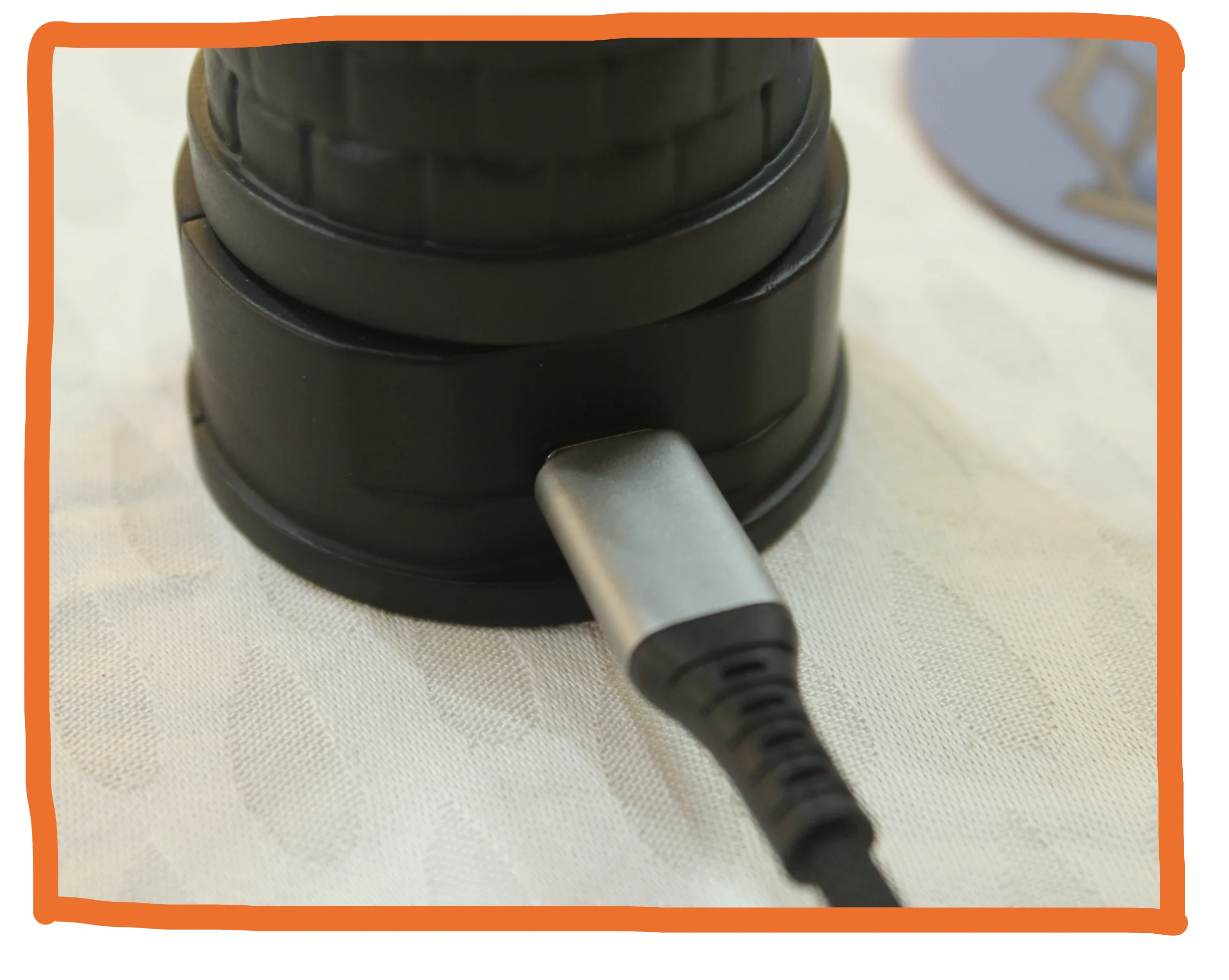
The battery inside Timebox lasts for many hours, so even if you’re playing all-day, there is no need to pause the game to recharge Timebox. It is charged using a standard USB-C port, and uses a regular replaceable 18650 lithium-ion battery.
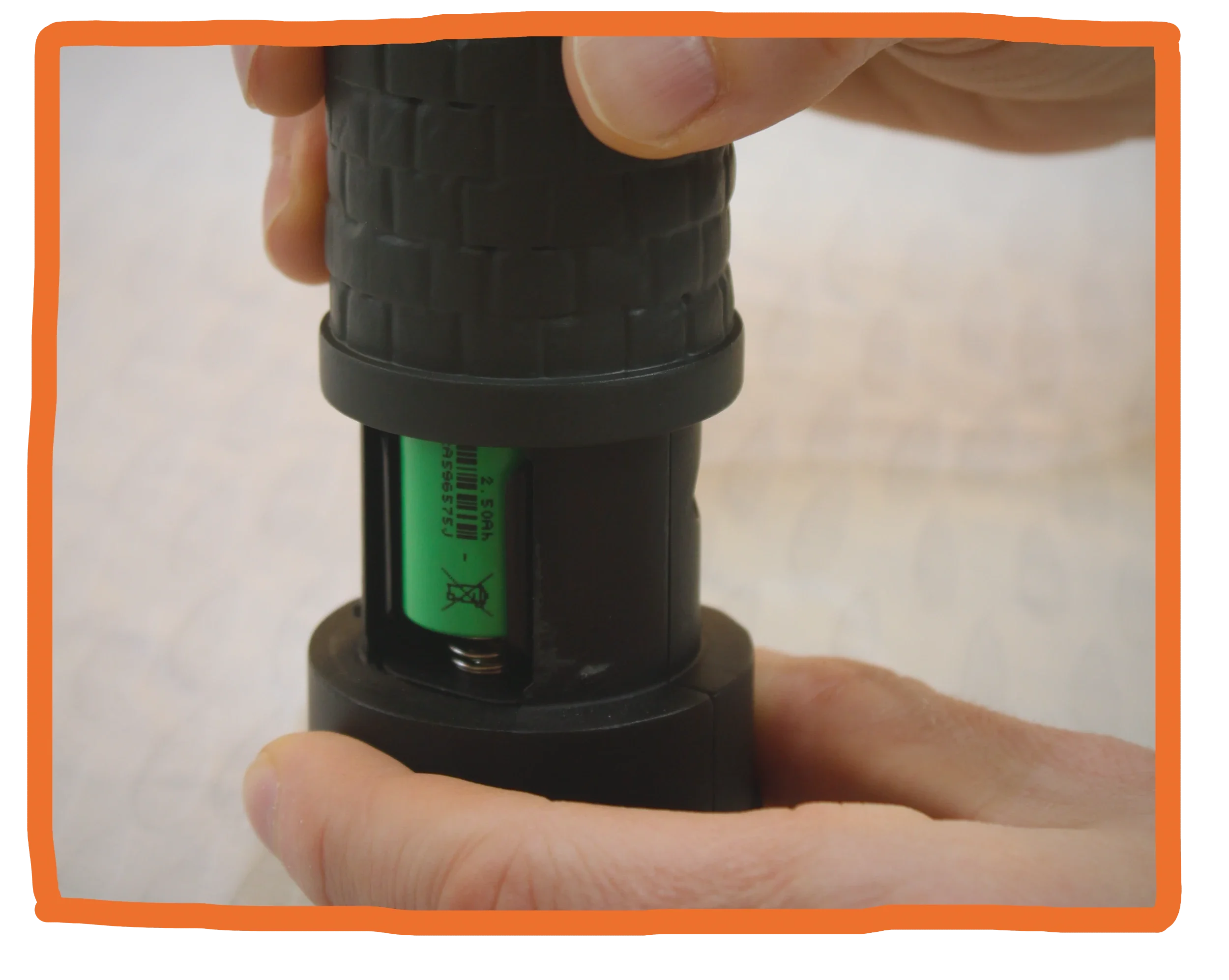
You can remove the outer casing of Timebox by twisting it. This way you can access the battery compartment, and perhaps even more importantly…
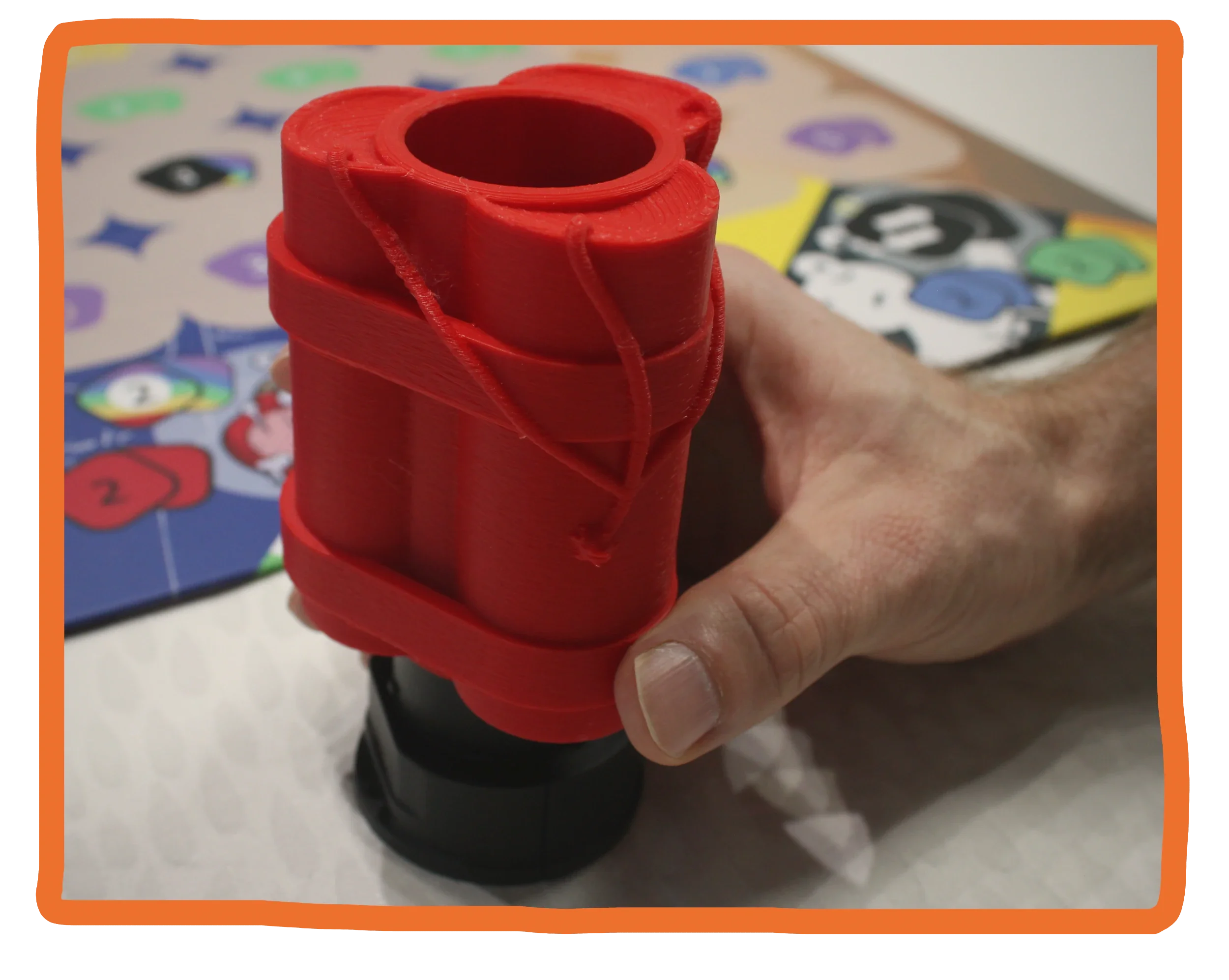
…You can replace the outer casing with a different design! This way, you are able to customize the look of Timebox to something that best matches the theme of the game you are currently playing.
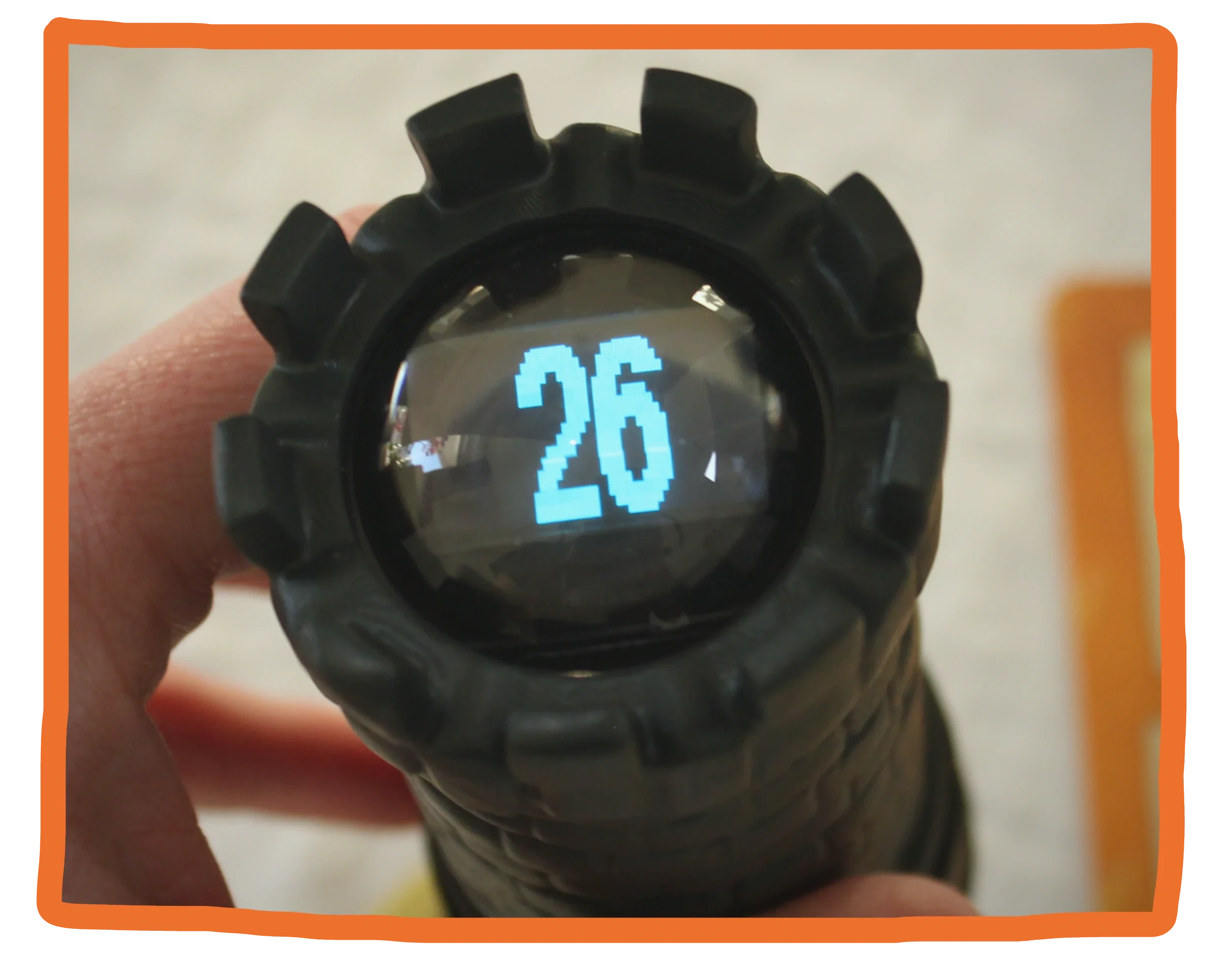
No matter how many players you are, how advanced or simple you want the timer settings to be, how often the turn order changes or how many different phases the game has, Timebox can handle it. And it does so intuitively and easily!
Note: All photos feature prototype components.